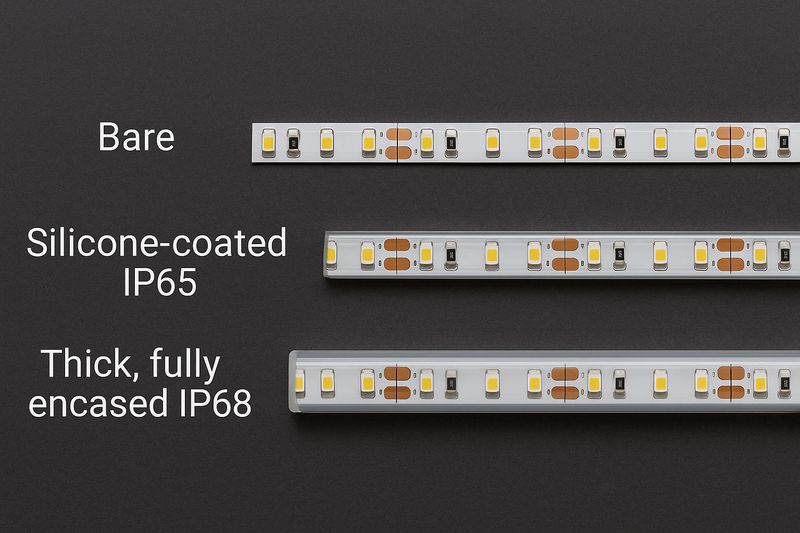
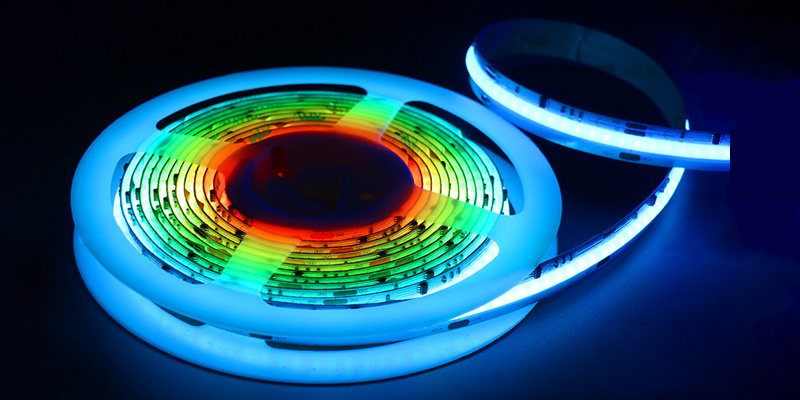
Addressable LED strips are often misunderstood, yet they can transform any lighting project.
Addressable LED strips allow control of each LED individually, unlike regular RGB strips which behave as a whole.
Still unsure which one fits your project? I’ll explain clearly with real use cases.
How to know if LED strip is addressable?
Check if the LED strip has a separate data line and uses IC chips for control.
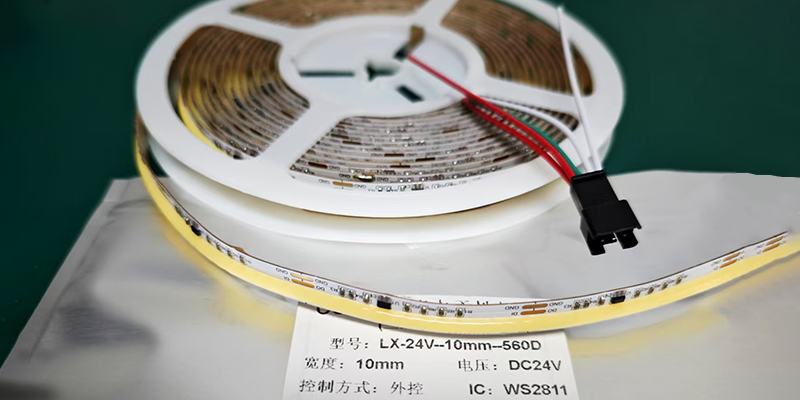
Addressable LED strips include built-in IC chips that allow each LED to behave independently. You can usually identify these strips by the presence of three or four wires—typically power, ground, and data (sometimes clock). The chip model, like WS2811 or SK6812, is often printed directly on the strip.
Key Identification Features
| Feature | Addressable Strip | Non-addressable Strip |
|---|---|---|
| IC Chips1 | Yes (e.g., WS2811, SK6812) | No |
| Control Signal Wires | 3+ wires (Power, Ground, Data) | 2 wires (Power, Ground) |
| Lighting Control | Each LED individually | All LEDs change together |
Visual Clues and Packaging Labels
You can also check the packaging. Look for terms like “pixel LED2,” “digital RGB,” or model names like “WS2812B.” Ask your supplier for close-up PCB photos. IC chips should be visible and evenly spaced.
Questions to Ask Your Supplier
- What IC model is used on the strip?
- Can I control each LED individually?
- Do you offer a short video showing dynamic effects3?
If the supplier hesitates to provide this info, that’s a red flag.
What is the difference between RGB LED and digital addressable LED?
RGB LED strips change color as one unit, while addressable ones control each LED individually.
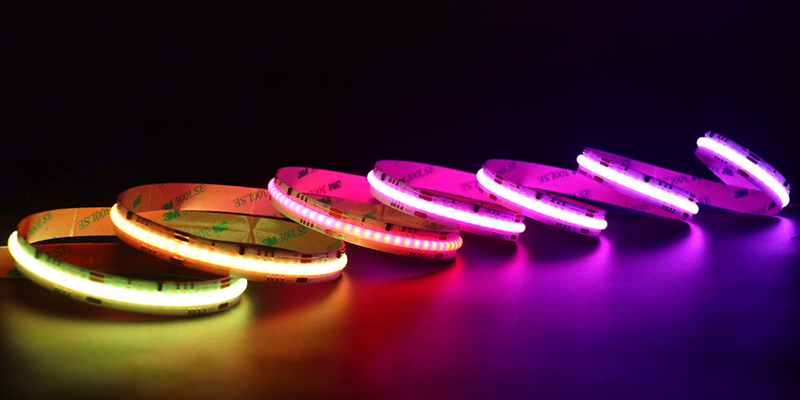
Both types use red, green, and blue channels. The key difference is in control. RGB LED strips receive a single signal across the entire strip, meaning every LED shows the same color. Addressable LED strips assign data to each LED or LED group, allowing for complex effects like color chases and gradients.
Functional Comparison in Practical Use
| Feature | RGB Strip | Addressable Strip |
|---|---|---|
| Color Changing | Entire strip at once | Each LED independently |
| Animation Capability | Limited | Full animation support |
| Controller Requirement | Basic RGB controller | Digital controller (e.g., Arduino, Pixel Controller) |
| IC Integration | None | Built-in IC per LED or per group |
What You Can Do with Addressable LEDs
- Create smooth flowing animations across the strip
- Program reactions to music or motion
- Display dynamic color patterns and gradients
- Build interactive installations or synchronized architectural lighting
Use Case Comparison
| Use Case | Recommended Strip Type |
|---|---|
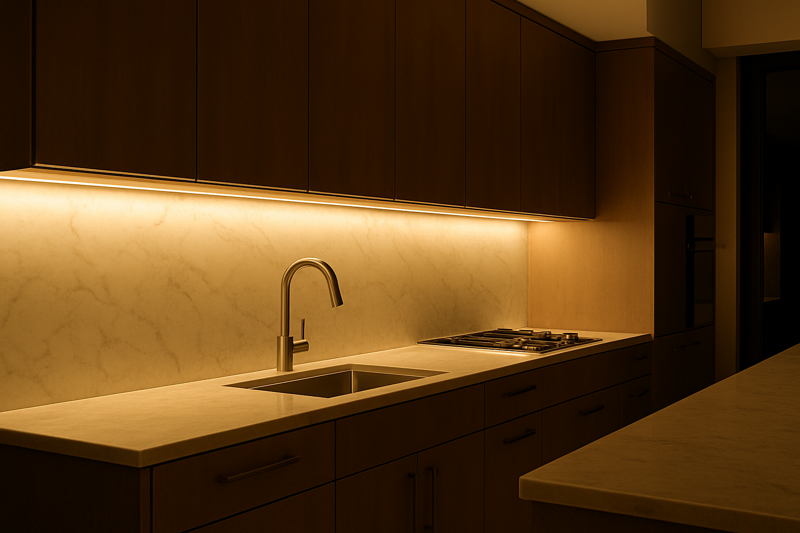
| Kitchen under-cabinet lighting | RGB |
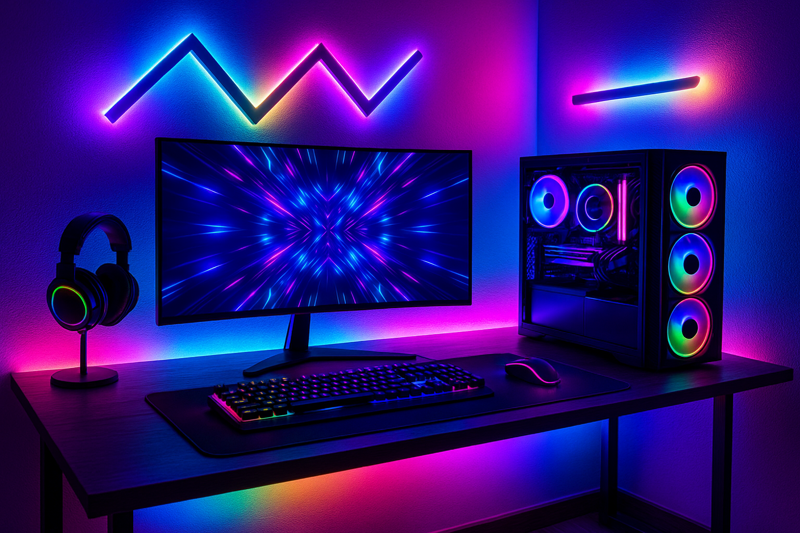
| Gaming desk setup | Addressable |
| Outdoor architectural lighting | Addressable (IP65 or higher) |
| TV backlight | Addressable |
Are all LED strips individually addressable?
No, only specific models with IC chips are individually addressable.
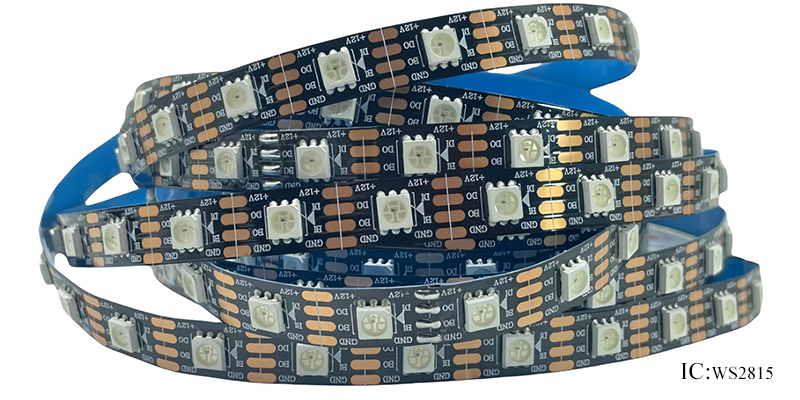
Many people confuse RGB with addressable. Not all RGB strips are digital. Analog RGB strips usually contain 5050 LEDs with three channels (R, G, B), all controlled at once. Only strips with digital ICs like WS2815, SK6812, or APA102 are addressable.
Strip Type Breakdown
| LED Strip Type | Individually Addressable? |
|---|---|
| WS2815, SK6812 | Yes |
| SMD5050 RGB | No |
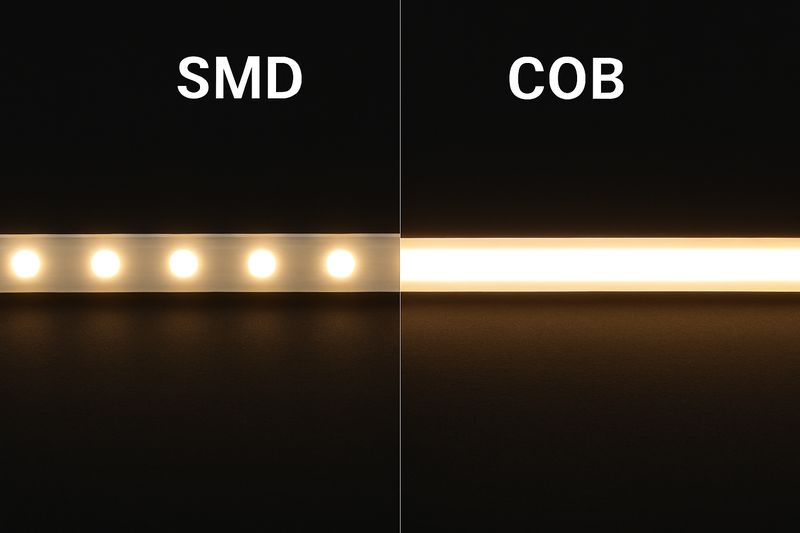
| COB RGB | Usually No |
| APA102, TM1814 | Yes |
Common Misunderstandings
Marketing terms like “color changing” and “RGB” often lead buyers to assume the strip is advanced. But unless the LEDs have their own chips, individual control isn’t possible. Always double-check with your supplier.
How to Verify Before You Buy
- Request PCB photos
- Ask for IC model name
- Look for terms like “digital,” “pixel,” or “addressable”
- Ask for a demo video showing dynamic light effects
If you’re sourcing internationally, ask these questions upfront to avoid returns or disappointment.
Can you cut individually addressable LED strip?
Yes, you can cut them—but only at marked cut lines between IC chips.
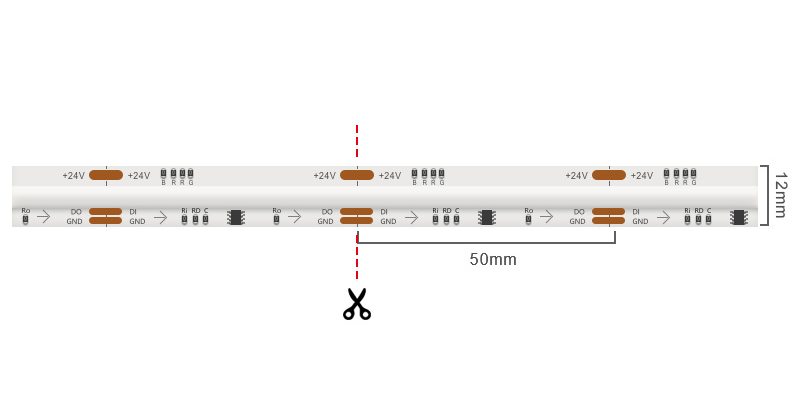
Individually addressable LED strips are built with pre-defined cutting sections, usually after each chip or LED. The cut points are marked on the strip with small scissor icons or solder pads.
Safe Cutting Process
| Step | Action |
|---|---|
| 1 | Power off completely |
| 2 | Locate the marked cut lines |
| 3 | Use precision scissors |
| 4 | Avoid damaging the copper pads |
| 5 | Prepare for re-soldering or use snap connectors |
Tips for Clean Connection
- Match wire colors to their functions (5V, Data, GND)
- Solder new connectors or use ready-made clip-on adapters
- Insulate solder joints with heat shrink tubing
- If using outdoors, reapply waterproof coating4 at the joint
Mistakes to Avoid
- Cutting between the IC and its linked LED
- Forgetting data flow direction5 (look for arrows)
- Powering without rechecking polarity
- Failing to test the connection before permanent mounting
Cutting allows for custom shapes and corners in your design, but you must respect the data structure. Each chip must remain connected to the data line.
Can you connect multiple LED strips to one power supply?
Yes, you can—but you must calculate total wattage and ensure proper voltage delivery.
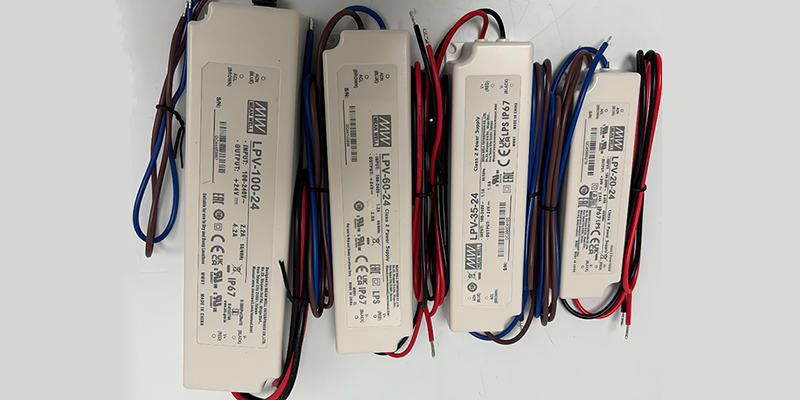
When connecting multiple addressable LED strips to one power supply, the goal is to ensure enough current reaches every LED without causing voltage drop. You also want all strips to share a common ground.
Key Power Rules
| Parameter | What to Check |
|---|---|
| Voltage | Must match strip voltage (e.g., 5V, 12V, 24V) |
| Wattage | Sum of all connected strips |
| Wire Gauge | Thicker for longer distance |
| Injection Point | Add power every 3–5 meters |
My Tested Setup Example
For a 10-meter WS2812 setup:
- Each meter = 14W → Total = 140W6
- Power supply = 200W 5V (with 20% overhead)
- Power injected at 0m, 5m, and 10m
- Used 16AWG wire for minimal resistance
Practical Wiring Tips
- Use terminal blocks or power distributors for neat wiring
- Inject power from both ends if the strip is long
- Keep data and power lines physically close to reduce signal loss
- Ground all strips to the same point to avoid flickering or resets
Never connect too many strips in series without separate power injection points. The further down the line you go, the more the voltage drops, especially at high brightness. Always test your full load before installation.
Conclusion
Addressable LED strips offer full visual control, but need proper knowledge, planning, and power setup to work right.
-
Understanding the differences in IC chips can help you choose the right LED strip for your project. ↩
-
Exploring pixel LEDs will give you insights into their functionality and applications in lighting design. ↩
-
Learning about dynamic effects can enhance your projects and make your lighting more engaging. ↩
-
This link will guide you through the process of applying waterproof coatings, crucial for outdoor electrical projects. ↩
-
Understanding data flow direction is vital for proper circuit functionality; this resource will clarify its significance. ↩
-
Calculating total wattage is vital for selecting the appropriate power supply and avoiding overload. Check this resource for detailed guidance. ↩