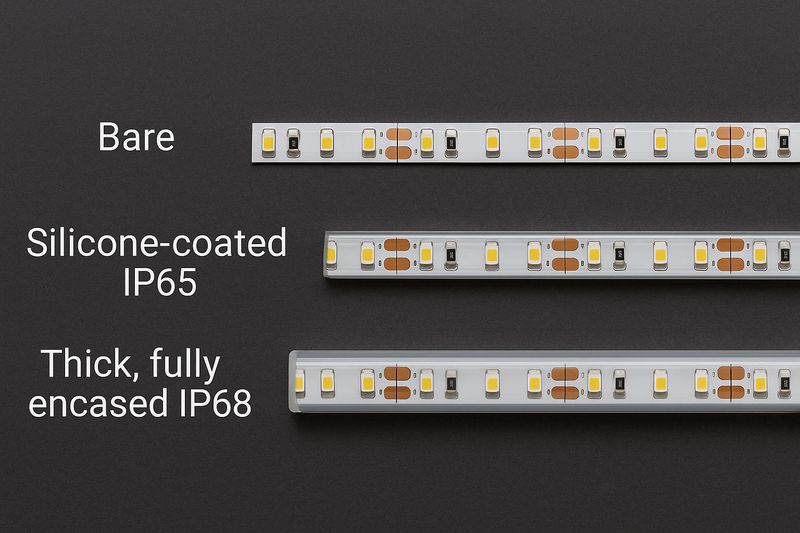
Your gaming setup has a powerful PC and a high-refresh-rate monitor, but it looks… boring. Your desk sits in a dark room, failing to create the immersive, dynamic environment you see on professional streamer setups.
The best LED strips for gaming are addressable RGBIC (Red, Green, Blue, Independent Control) strips. They allow you to control each LED individually, enabling screen mirroring, dynamic effects, and total setup synchronization for ultimate immersion.
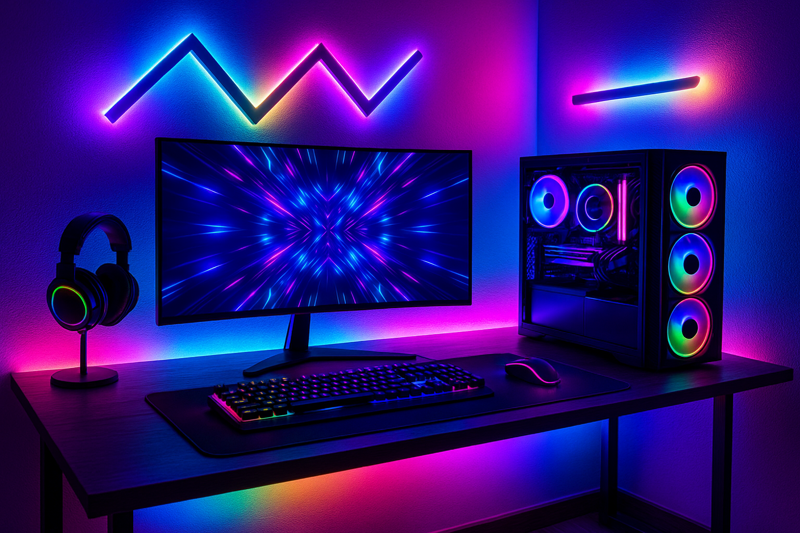
I remember when a client, a smart distributor like Tom, first approached me about the gaming market. He was selling basic RGB strips, and his sales were flat. He saw the complex, flowing color effects on Twitch streams and knew his product couldn’t compete. I explained that the magic wasn’t just the LEDs; it was the "IC" – the Independent Control chip. I sent him some of our addressable SK6812 RGBIC strips and a compatible controller. Two months later, he launched his own "Pro Gamer" lighting kit. It sold out. He understood that to win in this market, you have to sell an experience, not just a light.
How Can You Make Your Monitor More Immersive?
You’re playing a vibrant game, but the world ends at the edges of your screen. The action is trapped in a black box, breaking the immersion and making the experience feel small and contained.
Use an addressable RGBIC LED strip with a screen-mirroring controller. By placing the strip on the back of your monitor, the controller will read the screen image and project matching colors onto the wall behind it, extending the game world into your room.
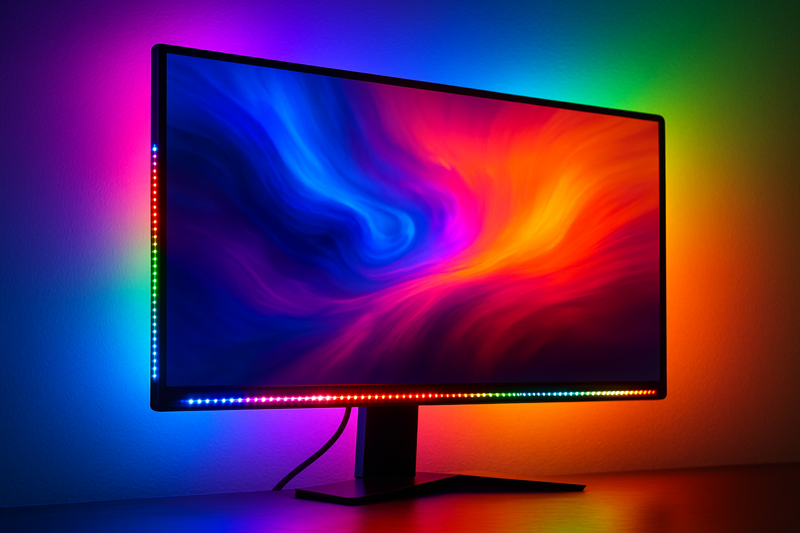
This screen-mirroring effect, sometimes called "Ambilight," is the single biggest "wow" factor in gaming lighting. One of my clients in North America developed a complete kit to do this. He sources our high-density RGBIC strips and pairs them with a simple HDMI-sync controller box. He told me it’s his best-selling product. The key, I advised him, was the density of the LEDs. A low-density strip creates choppy, inaccurate color matching. We supply him with our 60 LEDs/meter strips, which creates a much smoother, more fluid, and more responsive effect. Customers are willing to pay for that premium experience because it genuinely makes games feel more immersive.
The Magic of Addressable RGBIC1
This is the core technology that separates a "gamer" strip from a standard one. As a factory, we live and breathe this stuff. A professional like Tom needs to understand this difference to source correctly. A standard RGB strip is like a string of old Christmas lights; when you set a color, every single LED on the entire strip turns that same color. It’s an "all or nothing" system. An RGBIC strip is fundamentally different. Each LED (or a small group of LEDs) has its own tiny computer chip, an "Integrated Circuit" (IC), that gives it a unique address. This allows a controller to send a different command to every single LED simultaneously. So, LED can be blue, can be purple, can be pink, and so on.
This is what enables screen mirroring. The controller box analyzes the video signal, divides the screen into zones, determines the average color in each zone, and tells the corresponding LED on the strip what color to be.
| Feature | Standard RGB | Addressable RGBIC | Why it Matters for Gamers |
|---|---|---|---|
| Control | All LEDs are one color. | Each LED is controlled individually. | This is the source of all dynamic effects: rainbow waves, color chases, and screen mirroring. It’s the feature gamers look for. |
| Common IC Chips | None | WS2812B, SK68122. | When sourcing, Tom needs to know these names. WS2812B is the workhorse. SK6812 is similar but can also come in RGBW (with a dedicated white chip) for better white light quality. |
| Density | 30 or 60 LEDs/meter | 30, 60, or even 144 LEDs/meter. | For screen mirroring, higher density (60+) is crucial. It means more zones and smoother, more accurate color transitions. Lower density looks blocky. |
| Voltage | 12V or 24V | Almost always 5V. | This is a critical technical point. RGBIC strips run on 5V, so they require a different power supply than standard 12V strips. Using the wrong one will instantly destroy the strip. |
How Do You Light a Desk for the Perfect Glow?
Your desk is just a surface holding your keyboard and mouse. It doesn’t feel like an integrated part of your command center. You want to add ambient light that defines your space without causing distracting glare on your screen.
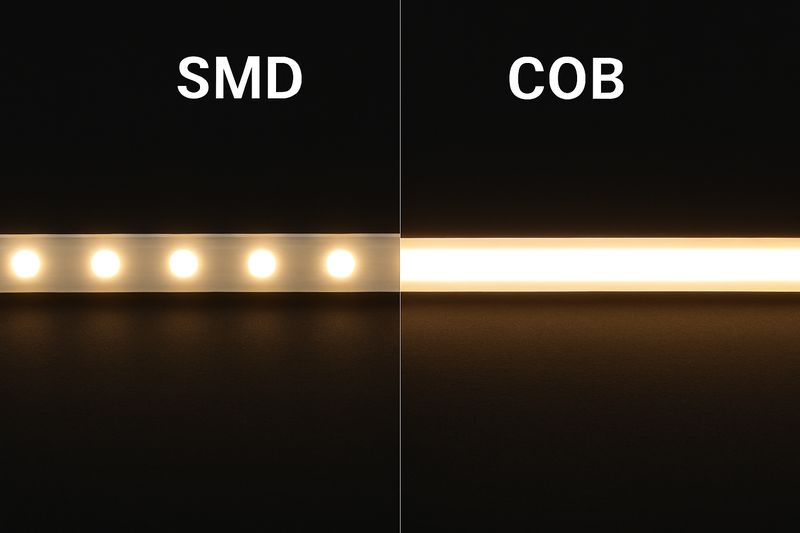
Install LED strips along the back or side edges of your desk. For the best effect, use an aluminum channel with a frosted diffuser. This hides the individual LED dots and creates a single, smooth bar of light that glows on the surfaces around it.
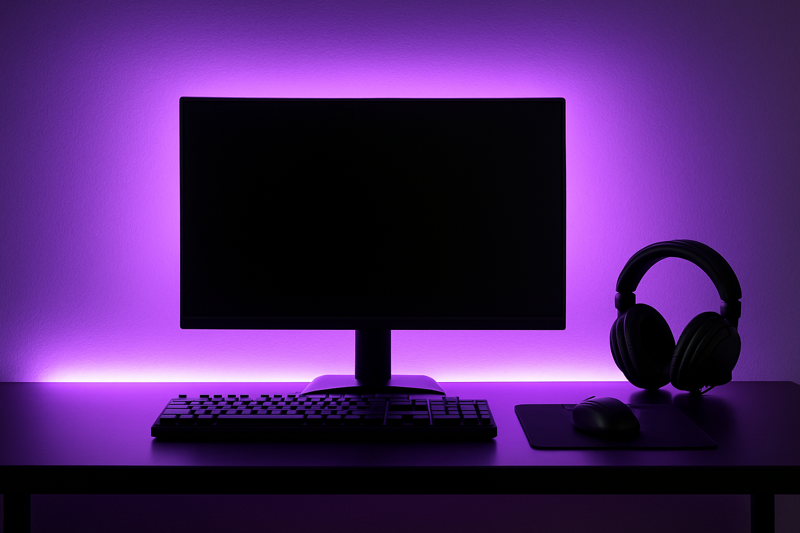
I have an OEM client who builds high-end gaming desks. His early models just had a raw LED strip stuck to the back. Customers complained about seeing the "dots" reflected on their monitors or walls. It looked cheap. We worked together to integrate one of our slim aluminum profiles with a milky polycarbonate (PC) diffuser into his desk design. The transformation was instant. The light became a soft, uniform glow. It looked intentional, professional, and premium. He now sells the "integrated diffusion lighting" as a key feature. It’s a small manufacturing step that dramatically increases the perceived value.
The Art of Diffusion and Control
Getting that smooth, professional glow is what separates a DIY job from a premium product. Just sticking an LED strip on a surface creates "hotspots" – you see the individual bright dots, which looks unfinished. This is where diffusion3 comes in. By placing the strip inside a channel with a frosted or milky cover, the light from each LED is scattered. This blending is what creates the seamless line of light.
As a factory, we produce channels and diffusers with different properties for this exact purpose:
- Channels: Aluminum is essential. It not only provides a rigid, clean mounting structure but also acts as a crucial heat sink. Even low-power 5V strips generate heat, and the heat sink extends the lifespan of the LEDs.
- Diffusers: The material and thickness matter. A thin, clear cover offers protection but no diffusion. A thick, milky polycarbonate (PC) cover offers the best diffusion, creating the smoothest light but slightly reducing brightness. Finding the right balance is key.
Beyond the look, control is paramount for gamers. They want synchronization.
| Feature | Description | Why it Matters for Tom’s Business |
|---|---|---|
| Software Control | Modern RGBIC strips can be controlled by PC software like SignalRGB4 or OpenRGB via a USB controller. | This is a huge selling point. Tom can market his kits as "SignalRGB compatible." It means the strips can sync with the lighting on the user’s keyboard, mouse, fans, and motherboard for a totally unified setup. |
| App Control | Most kits also come with a Bluetooth or Wi-Fi controller5, allowing control via a smartphone app. | This provides easy access to hundreds of pre-programmed scenes and effects for users who want a plug-and-play solution without complex PC software. |
| Brightness (Lumens) | An average RGBIC strip at 60 LEDs/meter provides around 15-20 lumens per LED. | The goal is ambient glow6, not task lighting. The light shouldn’t be so bright that it reflects off the monitor screen and causes glare. Full dimming control is essential. |
How Can You Show Off Your PC’s Internals?
You spent hundreds, maybe thousands, of dollars on a graphics card, motherboard, and RAM with beautiful designs. But they’re hidden inside a dark metal box, completely invisible.
Use short, flexible RGBIC LED strips inside your PC case. Attach them to the top, bottom, or sides to cast light onto your components, turning your PC from a boring box into a showcase for your high-performance hardware.
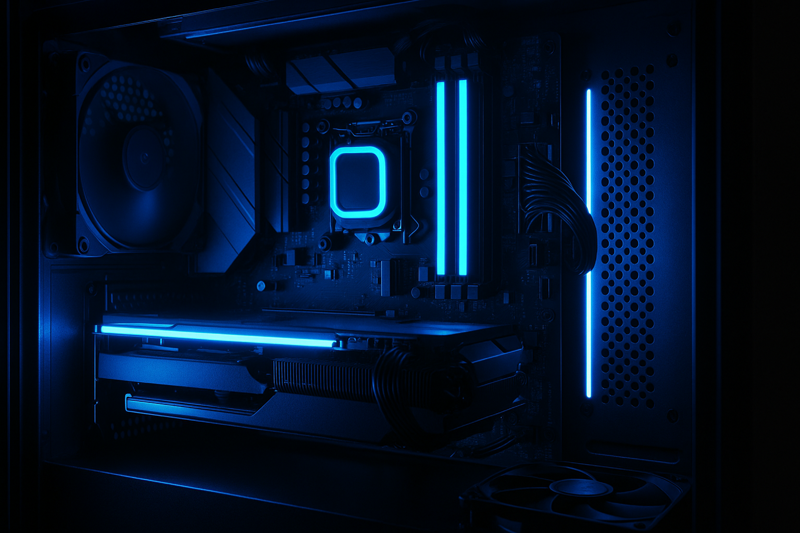
I supply a major OEM client who builds pre-built gaming PCs. For them, reliability and ease of installation are everything. We developed a custom "PC Lighting Kit" for them. It includes several short (30cm) strips with a high-tack adhesive backing and daisy-chain connectors. The most crucial part was the connector. We wired them with the standard 3-pin, 5V addressable RGB (ARGB) header. This allows the strips to plug directly into the motherboard. The PC’s own software can then control the case lighting, syncing it with all the other components. It’s a clean, factory-grade solution that adds significant aesthetic value for very little cost.
Motherboard Headers and Connectors
This is a very technical area, and getting it wrong can be catastrophic for the end-user. A pro like Tom needs to know this to avoid costly returns and angry customers. You cannot just use any LED strip inside a PC. It has to be compatible.
Modern motherboards have dedicated headers for lighting:
- 4-Pin 12V RGB Header: This is the older standard. It’s for basic, non-addressable RGB strips. All LEDs will be the same color. Plugging a 5V strip into this 12V header will instantly destroy it.
- 3-Pin 5V ARGB Header: This is the current standard for gaming. The "A" stands for Addressable. This is for RGBIC strips (like WS2812B). It has a gap in the pins to prevent you from plugging it in wrong. This is the header that allows for individual LED control and synchronization with motherboard software (ASUS Aura Sync, MSI Mystic Light, etc.).
When we manufacture strips for internal PC use, we focus on several key aspects:
| Feature | Specification | Why it’s Critical for PC Builds |
|---|---|---|
| Connector | Standard 3-pin 5V ARGB. | This is non-negotiable. It’s the universal connector that allows the strip to be controlled directly by the motherboard, which is what every PC builder wants. |
| PCB Width & Color | Slim (8mm or 10mm) with Black PCB. | A narrow strip is easier to hide along the edges of the case. A black Printed Circuit Board (PCB) blends into the dark interior of a gaming case, making the installation look cleaner. A white PCB would stand out. |
| Heat Output | Low. Use efficient chips. | The inside of a PC case is a hot environment. The strips must add minimal extra heat. We use high-efficiency LED chips that produce bright light with less thermal waste. |
| Flexibility | High. Good quality FPC. | Case interiors have tight corners and awkward angles. The strip must be flexible enough to bend around components without damaging the circuits. We use a high-quality Flexible Printed Circuit (FPC). |
Conclusion
Creating an immersive gaming setup is about layering addressable RGBIC lighting. Use it for screen mirroring, desk ambiance, and highlighting your hardware. This technology is the key to achieving the dynamic, synchronized effects that define a modern battlestation.
-
Explore this link to understand how Addressable RGBIC technology enhances lighting control and effects for gamers. ↩
-
Learn about WS2812B and SK6812 chips to make informed decisions when sourcing LED strips for optimal performance. ↩
-
Understanding diffusion can enhance your lighting projects, ensuring a professional finish without hotspots. ↩
-
Explore how SignalRGB can elevate your RGB setup, providing seamless synchronization with your devices. ↩
-
Discover the convenience of app control for LED strips, making your lighting experience more user-friendly. ↩
-
Learn why ambient glow is crucial for creating a comfortable and visually appealing environment. ↩