You’ve designed the perfect lighting layout, but the control system feels like an afterthought. You choose a simple remote, but the client complains about the limited range. You opt for a WiFi app, but it fails to sync multiple zones correctly. The wrong controller can turn a beautiful installation into a source of constant frustration.
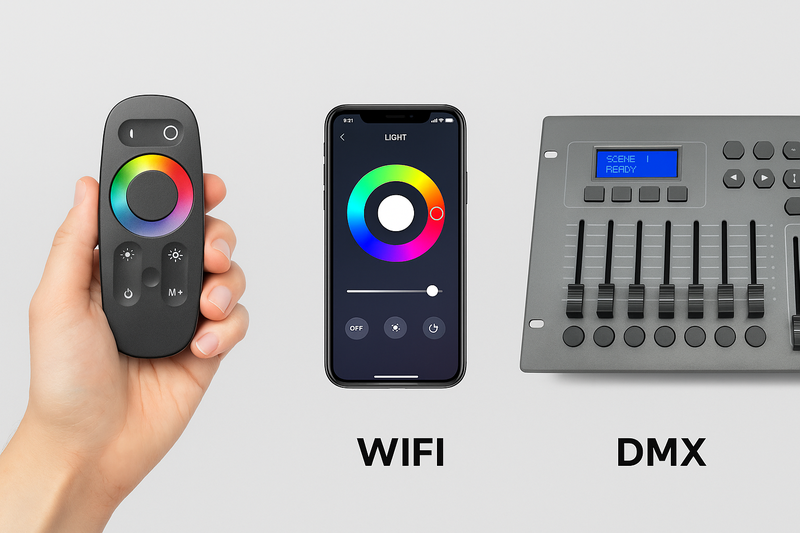
Match the controller technology to the project’s scale and complexity. Use RF remotes for simple, single-zone control. Use WiFi/App control for multi-zone residential projects that need smart home integration. Use DMX for large-scale, dynamic, and perfectly synchronized commercial or architectural lighting.
I’ll never forget a call I got from a frantic contractor in Florida. He had just installed hundreds of feet of RGBW LED strips on the exterior of a new nightclub. He used over 20 separate WiFi controllers, all on the same network, hoping to create synchronized color-chasing effects. The result was a disaster. Due to network latency, the strips were a chaotic, out-of-sync mess. The "chase" effect looked more like a glitchy traffic jam. We had to fly in a specialist to redesign the entire system with wired DMX decoders and a proper DMX controller. It cost the contractor a fortune in time and lost profits. It was a harsh lesson in a fundamental truth: for professional, high-performance lighting, you need professional-grade control.
When Should You Use a Simple RF Remote Controller?
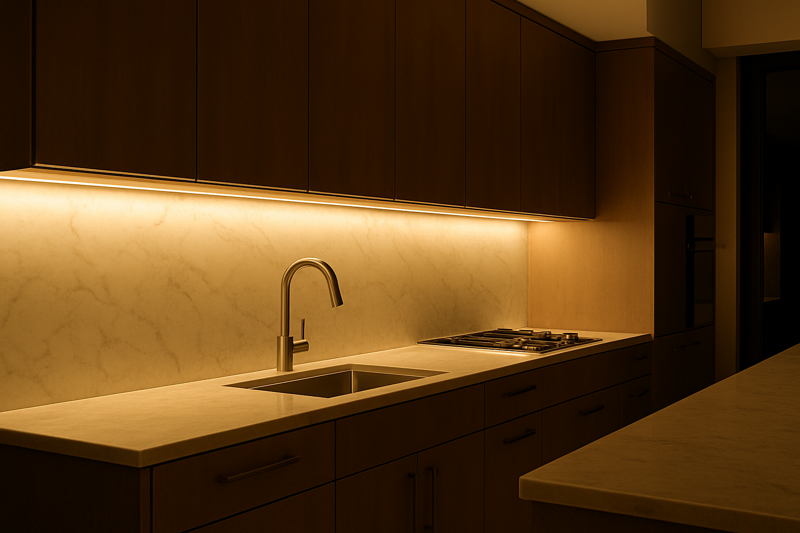
Your client wants basic control for their new under-cabinet lighting. They need to turn it on, turn it off, and maybe dim it. They aren’t interested in apps, voice commands, or complex scenes. They just want a simple, reliable "digital light switch."
Use a Radio Frequency (RF) remote controller for any standalone, single-zone installation where simplicity and reliability are the main priorities. It’s the perfect, cost-effective solution when smart features are not required.
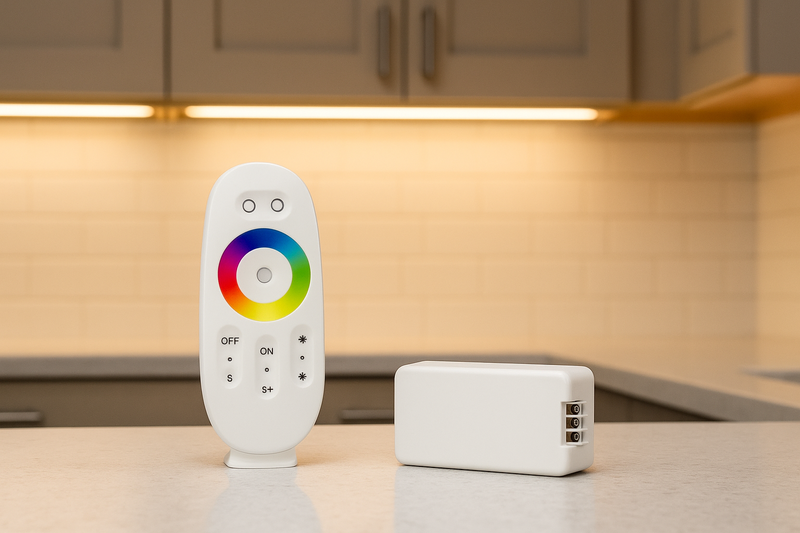
This is the workhorse of simple LED strip installations, and for good reason. It just works. Unlike old infrared (IR) remotes that required a direct line of sight, RF remotes use radio waves that can go through walls and cabinets. You can mount the receiver out of sight and the remote will still work perfectly from across the room. At our factory, we’ve found that for many small business owners—like a boutique owner who just wants to set their window display lighting—a simple RF remote is all they need. There’s no WiFi password to enter, no app to download, and no updates to worry about. It provides instant, tactile control, which is often more satisfying and reliable for basic tasks than fumbling with a smartphone app. It’s a "get it done" solution.
The Power of Simplicity: RF Control Explained
RF controllers consist of two parts: the handheld remote (transmitter) and the receiver that is wired between the power supply and the LED strip.
Key Features and Benefits:
- Tactile and Immediate: There’s a dedicated physical button for each function. On, Off, Dim Up, Dim Down. It’s intuitive for everyone, from children to grandparents.
- Excellent Reliability1: The pairing between the remote and its receiver is a dedicated, direct link. It is not affected by internet outages or network congestion. It is extremely dependable for mission-critical functions.
- Cost-Effective2: RF control systems are typically the most affordable option, making them ideal for budget-conscious projects without sacrificing quality.
- Multi-Zone Capability3: More advanced RF systems use a single remote with multiple zone buttons (e.g., Zone 1, 2, 3, 4). This allows you to control different areas independently from one remote, as long as each area has its own receiver paired to the correct zone button. This is great for a living room where you might want to control cove lighting, bookcase lighting, and TV backlighting separately.
When to Avoid RF Remotes:
- Smart Home Integration4: RF remotes are "dumb" devices. They cannot be controlled by an app or integrated with voice assistants like Alexa or Google Home.
- Complex Scenes: While some remotes have preset color buttons or simple fades, they lack the ability to create and save complex, custom scenes with specific colors and brightness levels.
- Large-Scale Synchronization: While you can control multiple zones, it’s not true synchronization. If you press a color-changing button, a command is sent to all receivers. Minor variations in signal timing mean that over a long effect, the strips can drift slightly out of sync. It is not suitable for dynamic, perfectly timed effects across a large area.
RF remotes are the perfect choice for the vast majority of simple, functional lighting tasks. They are dependable, easy to use, and highly affordable.
What Are the Strengths and Weaknesses of WiFi/App Control?
Your client is tech-savvy. They already have smart devices and want their new architectural lighting to be part of that ecosystem. They want control from their phone, from anywhere in the world, and the ability to use voice commands.
Use WiFi-based controllers for residential or light commercial projects that require remote access, voice assistant integration, and the ability to create and save custom lighting scenes. Its strength is its flexible integration with the broader world of smart technology.
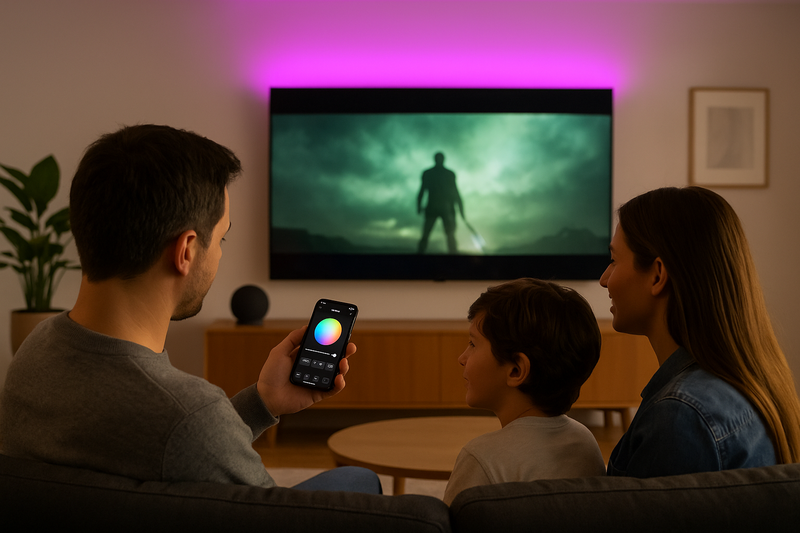
I’ve talked to many designers who now consider app control a baseline requirement for any high-end residential project. Their clients see it in commercials and expect it. The ability to create a "Dinner Party" scene that sets all the lights in the open-plan living and dining area to a specific warm color and 60% brightness with one tap is a powerful selling point. WiFi control unlocks this level of personalization. It moves lighting from a simple utility to a part of the home’s ambiance and lifestyle. The key, as we’ve discussed before, is to use a system built on a major app platform like Tuya Smart Life. This ensures a stable app, guaranteed compatibility with Alexa and Google, and a future-proof system for the client.
The Connected Controller: A Deep Dive into WiFi
WiFi controllers turn a smartphone or smart speaker into the most powerful remote control imaginable. They leverage the home’s internet connection to provide features that are impossible with a simple RF remote.
Key Features and Benefits:
- Global Remote Access5: As long as the client’s phone has internet, they can control their lights from the office, from vacation, or from their car on the way home.
- Voice Control Integration6: Official "Works with…" certifications allow for seamless, hands-free control via Amazon Alexa, Google Assistant, and other popular voice assistants.
- Unlimited Scenes and Automations7: This is the biggest advantage. Users can create a virtually unlimited number of custom scenes. They can also create automations based on time of day (fade on at sunset), weather, or even the state of other smart devices (if the smart lock unlocks, turn on the entryway lights).
- Rich User Interface: Modern apps provide color wheels, temperature sliders, and dynamic effect libraries, giving the user granular and creative control over their lighting.
The Weaknesses of WiFi Control:
- Network Dependency8: This is the Achilles’ heel. The system’s performance is entirely dependent on the quality, speed, and coverage of the client’s WiFi network. A weak signal or congested network will lead to lag and unresponsiveness.
- Synchronization Challenges: As seen in the nightclub example, synchronizing many WiFi controllers is extremely difficult. Each controller receives its command from the router at a slightly different time, an effect known as latency. For a static color change, this isn’t noticeable. But for a dynamic, fast-moving chase effect across multiple strips, it results in glitchy, unsynchronized motion. WiFi was not designed for this kind of real-time, high-precision timing.
- No Tactile Interface: Sometimes, you just want to press a button. Having to find your phone, unlock it, open an app, and navigate to the right screen just to turn on a light can be cumbersome. Some systems offer physical wall panels, but the core control is app-based.
WiFi is unbeatable for user-friendly, feature-rich smart home lighting. But for large-scale, dynamic applications, you must step up to the professional standard.
What is DMX, and When Is It a Must-Have?
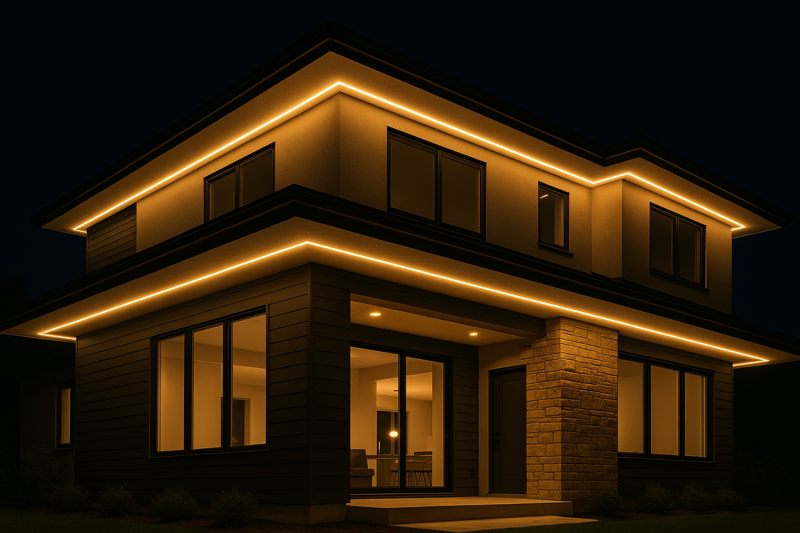
You’ve been asked to bid on a large architectural project: lighting the facade of a building, a long bridge, or creating a dynamic media wall in a corporate lobby. The client wants fluid, perfectly synchronized color changes and effects across the entire installation.
DMX (Digital Multiplex) is the global industry standard for professional lighting control. You must use DMX for any project that requires precise, frame-perfect synchronization of multiple light fixtures, especially in large-scale commercial, entertainment, or architectural applications.
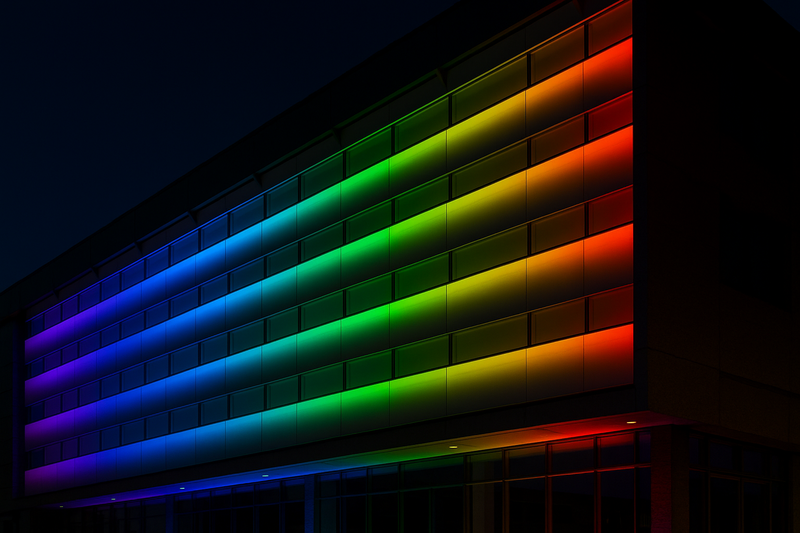
Walk into any professional theater, concert venue, or TV studio in the world, and you will find DMX. It is the language that all professional lighting fixtures—from moving heads to stage washes to LED strips—use to communicate. It is not a wireless consumer technology; it’s a robust, wired protocol designed for one purpose: perfect, high-speed control of lighting. The core concept is a "universe" of 512 channels. Each function of a light (e.g., Red level, Green level, Blue level, Master Dimmer) is assigned a channel. An RGB strip uses 3 channels. You use a dedicated DMX controller (which can be a physical hardware console or a computer with software) to send commands down a shielded cable to a series of DMX decoders. Each decoder listens for its assigned channels and outputs the correct signal to its connected LED strip. It’s a one-way, high-speed data stream that ensures every single fixture receives the exact same command at the exact same microsecond. This is how you create those flawless, flowing effects you see on professional installations.
The Professional Standard: DMX512 Architecture
Understanding the components of a DMX system is key to specifying it correctly.
| Component | Role in the System | Key Considerations |
|---|---|---|
| DMX Controller9 | The "brain" of the system. It generates the DMX signal and tells the lights what to do. Can be a physical console with faders or software on a PC/Mac. | Software controllers (like MADRIX or Resolume) are best for video-based effects (pixel mapping). Hardware consoles are great for on-the-fly, hands-on control. |
| DMX Cable10 | A shielded, twisted-pair cable (specifically 120-ohm AES/EBU cable) that carries the signal from the controller to the decoders. Do not use microphone cable. | The "daisy chain" wiring is crucial. Signal goes from the controller to the IN of the first decoder, then from the OUT to the IN of the next, and so on. A terminator is needed at the end of the line. |
| DMX Decoder11 | The "translator." It receives the DMX signal, listens for the channels it’s been assigned, and converts the data into the PWM signal that the LED strips need to dim and change color. | You must set the "start address" on each decoder. For example, if Decoder 1 is set to address 1 (for RGB), it will use channels 1, 2, and 3. Decoder 2 must then be set to address 4. |
| LED Power Supply12 | Provides the low-voltage (e.g., 24V DC) power to both the DMX decoder and the LED strips themselves. Sized according to the total load. | Power and data are separate systems. DMX is a data signal, not a power line. |
Why DMX is a Must-Have:
- Perfect Synchronization: It’s a one-way, high-speed data broadcast. Every decoder on the line receives the same instruction simultaneously, ensuring flawless sync.
- Extreme Reliability: A wired connection is not susceptible to the interference, latency, or bandwidth issues of WiFi. It is built for a professional environment.
- Scalability: A single DMX universe can control 170 RGB fixtures. With simple hardware, you can expand to control multiple universes, allowing for systems with tens of thousands of individual pixel points.
- Interoperability: DMX is a global standard. A DMX controller from one brand will work with a DMX decoder from another. This gives you ultimate flexibility in choosing the best hardware for a job.
The trade-off for this power is complexity and cost. It requires a deeper understanding of addressing and wiring, but it is the only way to achieve truly professional, large-scale dynamic lighting effects.
Conclusion
From a simple RF remote for a closet to a multi-universe DMX system for a skyscraper, the right controller is key to a successful project. Mastering these three core technologies—RF, WiFi, and DMX—empowers you to provide the perfect solution for any client, any budget, and any creative vision, solidifying your status as a true expert.
Learn why Excellent Reliability is crucial for mission-critical functions in RF control systems. ↩
Discover how RF control systems provide budget-friendly solutions without compromising quality. ↩
Explore this link to understand how Multi-Zone Capability enhances lighting control in different areas. ↩
Find out the limitations of RF remotes in Smart Home Integration and explore better alternatives. ↩
Explore this link to understand how Global Remote Access enhances smart home control from anywhere. ↩
Discover the benefits of Voice Control Integration and how it simplifies your smart home experience. ↩
Learn how Unlimited Scenes and Automations can transform your smart lighting setup into a personalized experience. ↩
Understand the implications of Network Dependency to ensure a reliable smart home setup. ↩
Explore this link to understand the role of a DMX Controller in lighting systems and its importance in creating dynamic effects. ↩
Learn about the specific requirements for DMX cables to ensure reliable signal transmission in your lighting setup. ↩
Discover how DMX Decoders translate signals for LED strips, crucial for achieving desired lighting effects. ↩
Understand the importance of selecting the right LED Power Supply to ensure your lighting system operates efficiently. ↩