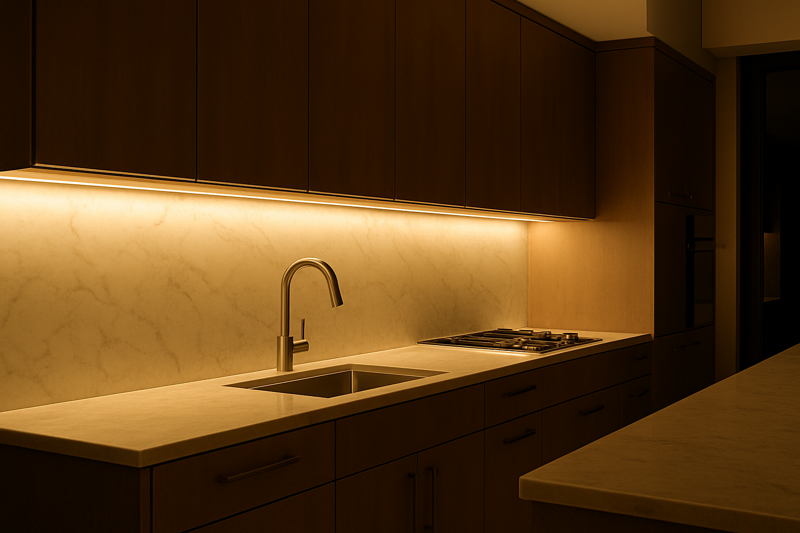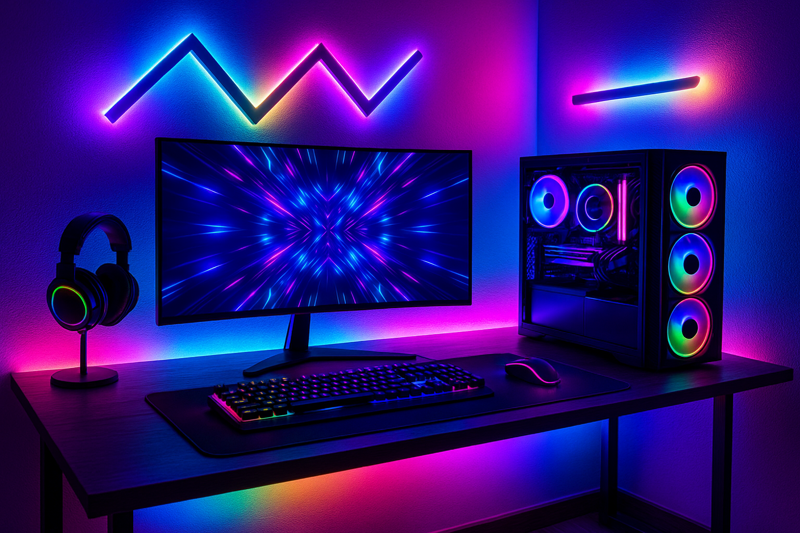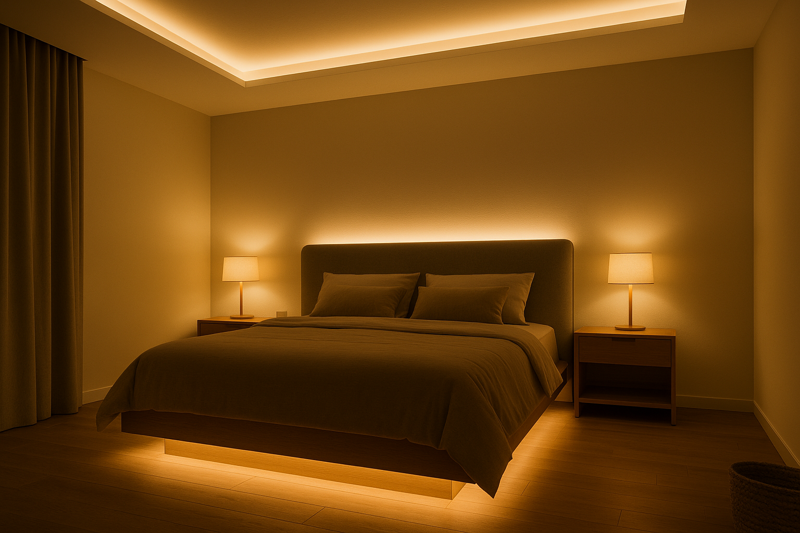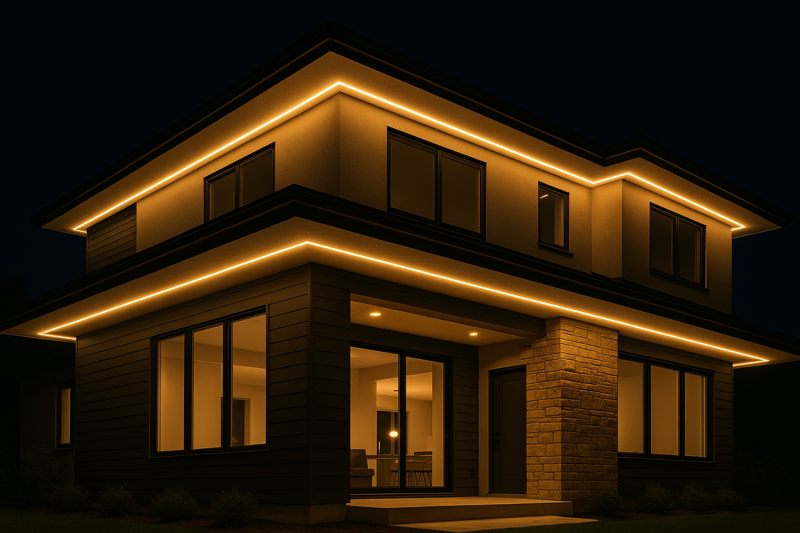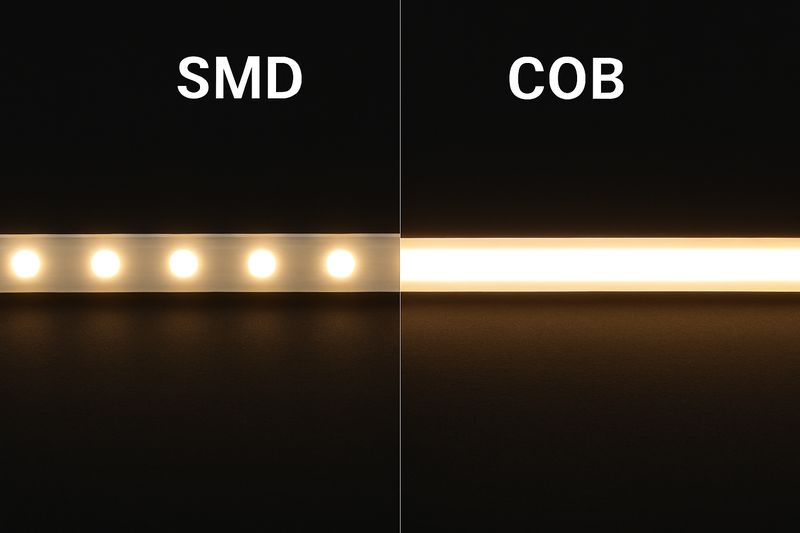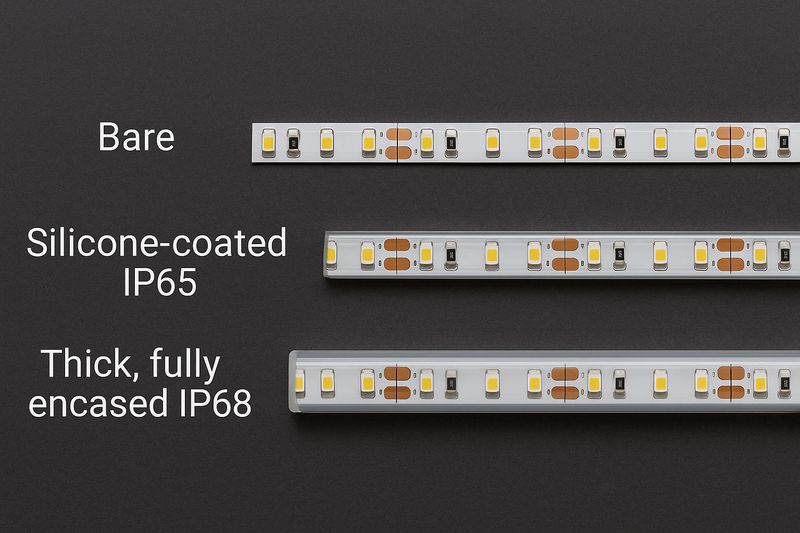
You’ve installed a beautiful, professional LED strip lighting system. The client loves it until they say, "Okay, now connect it to my Google Home." Suddenly, you’re wrestling with third-party apps and failed connection attempts, and the seamless "smart" system you promised becomes a clunky, frustrating mess.
For true reliability, select controllers with certified compatibility ("Works with…") and use a dedicated smart hub running Zigbee or Z-Wave for any project with more than a few lights. This moves control from an unreliable WiFi connection to a robust, dedicated local network, ensuring instant response and flawless operation.
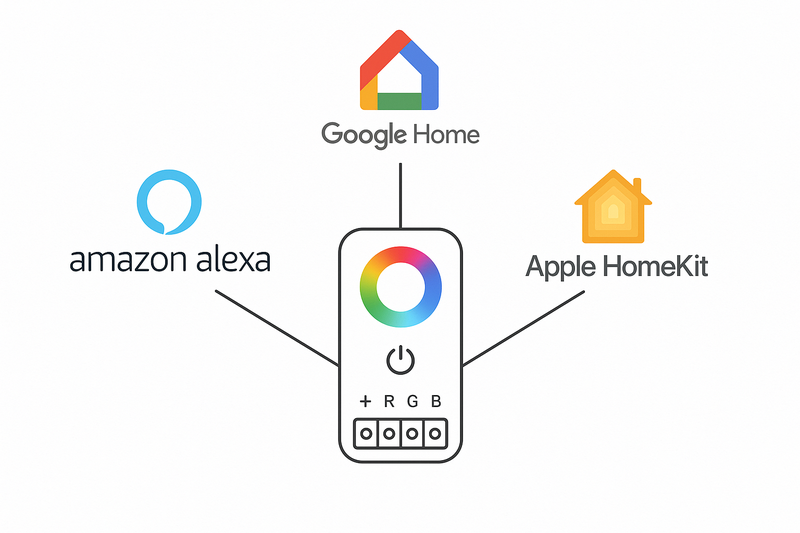
I once worked with a contractor on a multi-zone restaurant renovation. They wanted different lighting scenes for "Lunch," "Dinner," and "Late Night," all triggered automatically and also controllable by voice command from the manager’s office. He initially installed a dozen individual WiFi controllers to save on cost. On the first busy Friday night, the restaurant’s WiFi network, overloaded with the point-of-sale system and guest network, became sluggish. The lighting commands were delayed or failed completely. The manager was furious. We ripped everything out and installed a single, powerful Zigbee hub and Zigbee-based controllers. The difference was night and day. The response was instant, every single time, regardless of how busy the WiFi was. It’s a lesson that sticks with me: for a professional, reliability is not a feature; it is the entire foundation of the system.
How Do I Connect LED Strips Directly to Alexa and Google Home?
Your client has a few smart speakers around the house and their primary request is simple: "I want to be able to tell Alexa to turn on the kitchen lights." They don’t have, and don’t want, a complex home automation system. How do you meet this specific need easily and reliably?
To connect directly to voice assistants, you must use a WiFi-enabled LED strip controller that has official "Works with Alexa" or "Hey Google" certification. The connection is made through the cloud by linking the controller’s companion app (like Tuya’s Smart Life) to the Alexa or Google Home app.
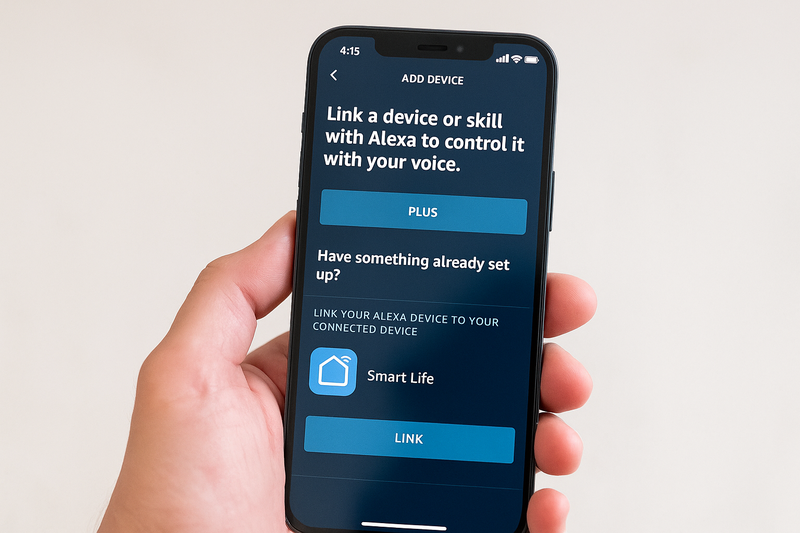
This is the most common and straightforward way to provide voice control, and I always advise contractors to standardize on one reliable app platform. At our factory, we build our WiFi controllers to be compatible with the Tuya Smart Life ecosystem. The reason is simple: Tuya has already done the hard work of building a stable cloud and securing official certifications with Amazon, Google, and others. This means you don’t have to worry about compatibility. You install the controller, connect it to the client’s WiFi via the Smart Life app, and then you simply link the Smart Life account inside their Alexa or Google Home app. Within minutes, they can say, "Alexa, set under-cabinet lights to warm white," and it just works. It’s a clean, predictable process that avoids the headaches of using no-name hardware with buggy, unsupported apps.
Understanding Cloud-to-Cloud Integration1
This direct connection method doesn’t involve a physical hub; the "hub" is in the cloud. It’s important to understand how this works to explain it to your clients and know its limitations.
- The Command Pathway: When a client says, "Hey Google, dim the living room lights," the command travels on a journey:
- The Google Nest speaker sends the audio to Google’s cloud servers.
- Google’s cloud interprets the command and recognizes it’s for a "Smart Life" device.
- Google’s cloud sends a digital command to the Tuya Smart Life cloud server.
- The Tuya cloud identifies the specific controller in your client’s home and sends the command over the internet to their WiFi router.
- The router sends the command to the WiFi LED controller2, and the lights finally dim.
This all happens in a second or two, but it highlights the dependencies. The system requires both the client’s home internet connection and the cloud services of both companies to be online and working perfectly.
Pros and Cons of Direct WiFi Connection3
This method is popular for a reason, but it’s not the right fit for every job. Knowing the trade-offs is what makes you a true professional.
| Pros of Direct WiFi Connection | Cons of Direct WiFi Connection |
|---|---|
| Simple & Low Cost: No extra hub hardware is needed, keeping the initial cost down. | Internet Dependent: If the home’s internet goes down, all app and voice control is lost. |
| Easy for Clients to Understand: Linking an app or "skill" is a familiar process for smart speaker owners. | Potential for Lag: The cloud-to-cloud path can introduce a slight delay between command and action. |
| Wide Availability: Huge variety of "Works with…" certified products are available. | Overloads WiFi Network: Each controller is another device competing for bandwidth on the client’s router. |
| No Central Point of Failure (Hardware): If one controller fails, the others are unaffected. | Inconsistent Performance: Heavily reliant on the quality and range of the client’s WiFi router. |
For a single room or a few scattered light zones in a home with strong WiFi, this is an excellent and cost-effective solution. But as soon as the project gets bigger, you must consider a more robust architecture.
When Should You Use a Smart Hub Instead of Direct WiFi?
You’re planning a project for a large house with 15 different lighting zones. The client wants instant response, total reliability, and complex automation routines that a simple app can’t handle. You know that putting 15 controllers on their WiFi is asking for trouble.
A dedicated smart hub is necessary for any project with more than 5-10 smart devices, in homes larger than 2,500 sq ft, or whenever reliability is the top priority. A hub using Zigbee or Z-Wave creates a separate, dedicated network for your lighting, eliminating WiFi congestion and enabling faster, local control.
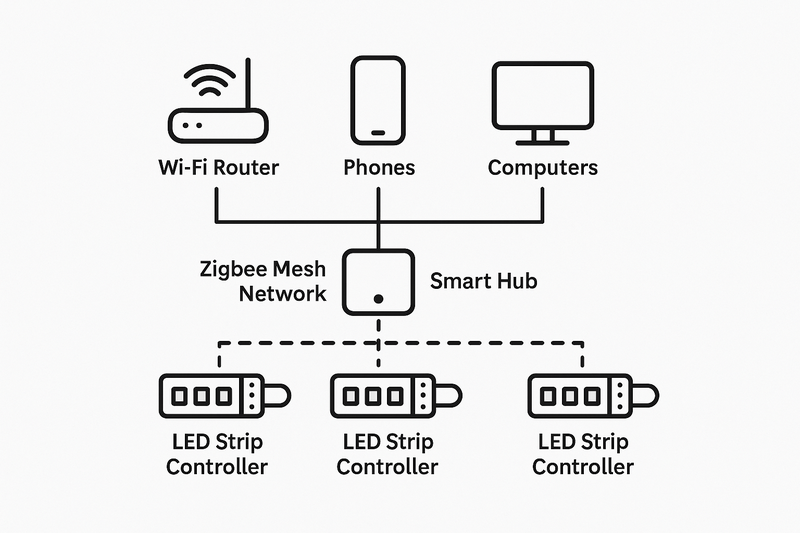
I explain this to contractors using the "highway" analogy. A client’s WiFi router is a public highway. Their phones, laptops, smart TVs, security cameras, and video games are all cars on this highway. If you then add 15 or 20 lighting controllers, you create a massive traffic jam. Everything slows down. A Zigbee smart hub builds a private, dedicated superhighway just for your smart devices. The devices talk to each other directly, creating a fast and efficient "mesh" network. The hub is the only "on-ramp" to the internet that’s needed for remote access and voice control. This architecture moves the primary control from the unreliable, congested public highway to a clean, private one. The result? Your lighting system is as fast and reliable as a traditional light switch.
The Power of Local Control
The single biggest advantage of a hub-based system is local processing4.
- What it is: When you use the system’s app to turn on a light, the command goes from your phone (on WiFi) to the hub (wired to the router) and then directly to the light via the Zigbee network. It never has to travel to a server on the internet and back.
- Why it Matters:
- Speed: Local control is virtually instantaneous. There is no perceptible lag.
- Reliability: The core lighting system continues to function perfectly even if the home’s internet connection goes down. The client can still use the app (while at home) and any local automations (like motion sensors turning on lights) will continue to work. The only thing that stops working is control from outside the home and voice assistant commands, which inherently require the cloud.
- Advanced Automation5: Professional hubs have much more powerful automation engines than simple cloud-based apps. You can create complex rules that involve multiple devices, conditions, and timers, all of which run locally on the hub, making them incredibly fast and reliable. For example: "Between sunset and sunrise, if the hallway motion sensor is triggered, turn on the LED toe-kick lights to 10% brightness and a warm 2700K color, but only if the bedroom light has been off for at least 30 minutes." This level of logic is only possible with a good local hub.
A hub-based Zigbee system turns your installation from a collection of individual "smart gadgets" into a single, cohesive, and professionally integrated smart lighting system.
Which Smart Hub is Best for Professional Lighting Projects?
You’ve convinced your client (and yourself) that a hub-based system is the right choice. Now you face a market of different hubs, from consumer-friendly to professionally-oriented. Choosing the wrong one can limit your options or be too complex for your client to use.
For most professional lighting projects, a versatile, multi-protocol hub like Hubitat Elevation or Homey Pro is an excellent choice. These hubs prioritize local control and offer powerful automation engines while supporting a vast range of devices, giving you maximum flexibility for future integrations.
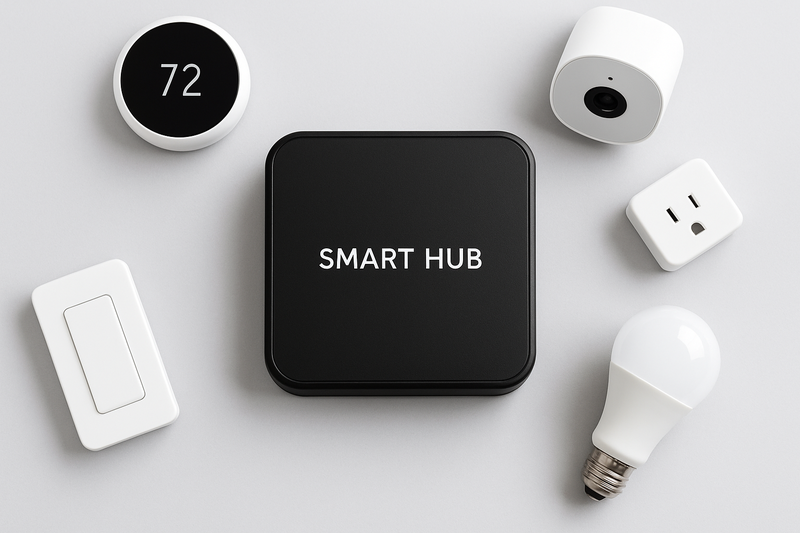
While hubs built into smart speakers like the Amazon Echo Plus (with Zigbee) are convenient for simple setups, they often have limitations. Their automation rules are basic and still rely heavily on the cloud. They are great for getting started, but for a professional installation that needs to be rock-solid and expandable, I always recommend a dedicated, standalone hub. The reason I often point contractors towards a hub like Hubitat is because its motto is "Automate YOUR way," with a heavy focus on local processing. It gives the installer immense power to create custom automations, but once set up, the client can use a very simple app or voice commands for day-to-day control. It provides a professional backbone without requiring the client to become a tech expert.
Comparing Popular Smart Hub Options
Here’s a breakdown to help you choose the right hub for your project’s scale and the client’s needs.
| Hub | Key Strengths | Best For… | Considerations |
|---|---|---|---|
| Amazon Echo (4th Gen) / Echo Plus / SmartThings | Consumer-Friendly. Built-in Zigbee6 hub. Easiest entry point for voice-centric control. Excellent Alexa integration. | Simple setups where a client primarily wants to add a few reliable Zigbee devices (like lights and sensors) directly to their existing Alexa ecosystem. | Automation logic is primarily cloud-based and simpler. Limited support for advanced device customization. Can be slow if the internet is down. |
| Hubitat Elevation (C-8) | Local Control Powerhouse. Almost all processing and automations run locally. Extremely fast and reliable. Supports Zigbee, Z-Wave, and Matter. Huge community support. | Professionals who want to build complex, lightning-fast automation routines7 that are not dependent on the internet. The "install-and-forget" choice for reliability. | The user interface for creating rules can be more technical ("Rule Machine"). Requires a bit more learning for the installer, but is simple for the client to use once programmed. |
| Homey Pro8 | The Universal Translator. Beautiful user interface. Supports 8 smart technologies including Zigbee, Z-Wave, WiFi, Bluetooth, Infrared, and 433MHz. Connects to over 50,000 devices. | High-end projects that require integrating many different types of smart devices beyond just lighting (like TVs, AC units, speakers, etc.) into one seamless system. | It is a premium-priced product. Some functionality still relies on cloud connections for specific apps, though core Zigbee/Z-Wave control is local. |
Your role as an integrator is to select the hub that matches the client’s ambition. For a project focused purely on best-in-class lighting automation, Hubitat is a fortress. For a whole-home "everything" controller with a beautiful interface, Homey Pro is a stunning choice.
Conclusion
Successfully integrating LED strips into a smart home is the hallmark of a modern lighting professional. By prioritizing certified hardware, choosing a direct WiFi connection for simple requests, and deploying a robust hub-based Zigbee system for larger, mission-critical projects, you can deliver a truly smart, seamless, and incredibly reliable experience for your clients.
Explore this link to gain a deeper understanding of Cloud-to-Cloud Integration and its significance in modern technology. ↩
Discover how WiFi LED controllers operate within smart home systems for better control and efficiency. ↩
This resource will provide insights into the pros and cons of Direct WiFi Connection, helping you make informed decisions. ↩
Understanding local processing can enhance your smart home experience by ensuring speed and reliability. ↩
Exploring Advanced Automation will reveal how to create complex, efficient rules for your smart devices. ↩
Understanding Zigbee is crucial for selecting the right smart hub, as it impacts device compatibility and performance. ↩
Learning about automation routines can enhance your ability to design efficient and user-friendly smart home systems. ↩
Discover why Homey Pro stands out in the market for integrating diverse smart devices seamlessly. ↩