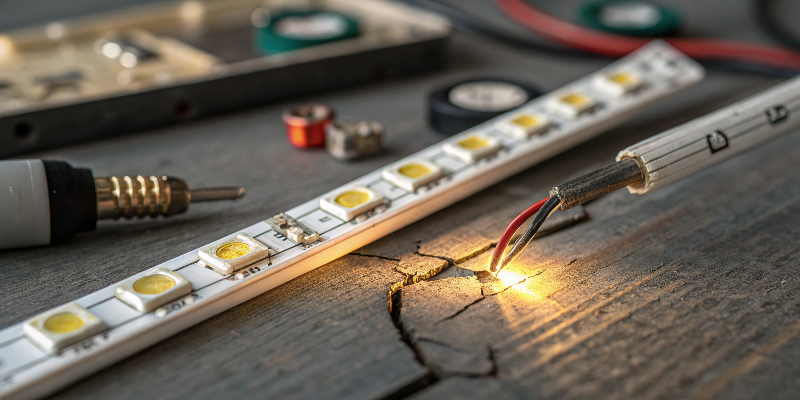
Are flickering LED strip lights ruining your project? Poor connections and voltage drop can frustrate you and damage your reputation.
LED strip flickering usually results from poor electrical connections, voltage drop, improper soldering, inadequate power supply, or incompatible controllers. Fixing these issues will help ensure stable and consistent lighting performance.
Below, I’ll guide you step-by-step through common issues and practical solutions, ensuring your LED projects shine brightly and consistently.
Why Do LED Strip Lights Flicker?
Do you notice your LED strips flickering and can’t pinpoint the exact reason? This confusion can delay your projects significantly.
LED strips flicker primarily due to voltage drop, loose connections, incorrect wiring, incompatible controllers, or poor-quality power supplies. Identifying the exact cause helps in effectively resolving the issue.
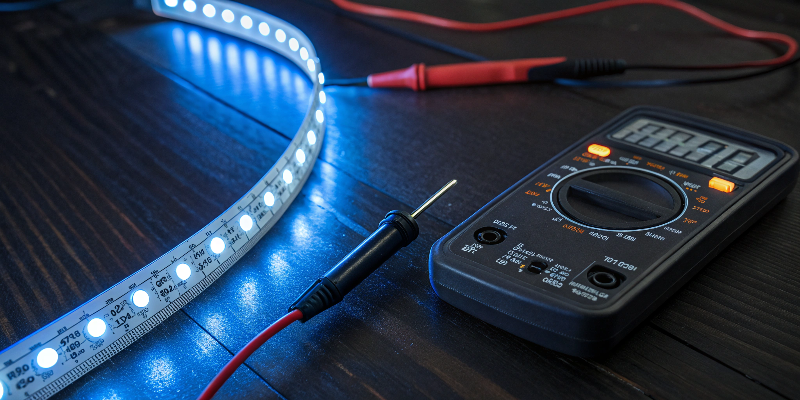
Identifying Common Causes
I often hear clients complaining about flickering issues. To help them, I analyze five common factors closely:
Voltage Drop1
When LED strips run longer distances, the resistance increases, reducing voltage. Lower voltage dims lights or makes them flicker.
Poor Connections2
Bad soldering or connectors can create intermittent contact, causing flicker.
Incorrect Wiring
Mismatched polarity or insufficient wire gauge leads to unstable current flow.
Incompatible Controllers3
Not all LED strips work perfectly with every controller. Some combinations cause unpredictable flicker.
Poor-Quality Power Supplies
Low-quality power sources often produce unstable voltage outputs.
| Common Cause | Typical Symptoms | Recommended Solution |
|---|---|---|
| Voltage Drop | Dimmer lights towards end of strip | Power injection at regular points |
| Poor Connections | Intermittent flickering | Secure soldered connections |
| Incorrect Wiring | Sudden flickering or failure | Check polarity and wire gauge |
| Incompatible Controllers | Erratic behavior | Match controller to strip specs |
| Poor Power Supplies | Constant flickering | Upgrade to higher-quality supply |
Understanding these causes clearly helps me quickly pinpoint and fix flickering problems, ensuring my installations perform reliably.
Can Soldering Reduce Flickering Issues?
Do connectors keep failing, causing your LED lights to flicker? This issue might damage your trust with clients.
Yes, soldering offers stronger, more stable connections than connectors. Good solder joints eliminate intermittent contact, preventing flickering, and ensuring better overall reliability.
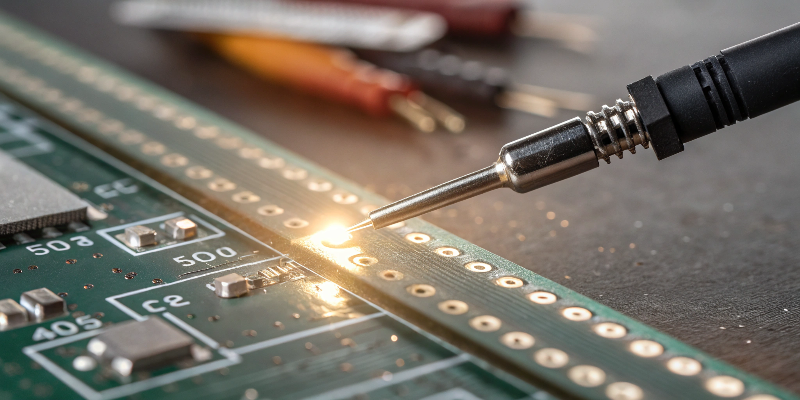
Benefits of Soldering vs. Connectors
I experimented extensively with connectors and soldering. Each method has pros and cons:
Connectors
- Easy and fast installation
- Convenient for temporary setups
Soldering
- Permanent and stable
- Reduces maintenance needs significantly
| Method | Durability | Stability | Installation Difficulty | Maintenance Frequency |
|---|---|---|---|---|
| Connectors | Medium | Low | Easy | High |
| Soldering | High | High | Moderate | Low |
In my experience, soldering significantly outperforms connectors, especially in professional projects. For permanent installations, soldered connections prevent flickering and enhance overall project reliability.
How Often Should I Inject Power into LED Strips?
Are you confused about how often you need to inject power into your LED strips? Guesswork can lead to costly mistakes.
For 12V strips, inject power every 5 meters; for 24V strips, every 10 meters. Higher-density LED strips or RGB versions might require even more frequent injections to maintain consistent brightness.
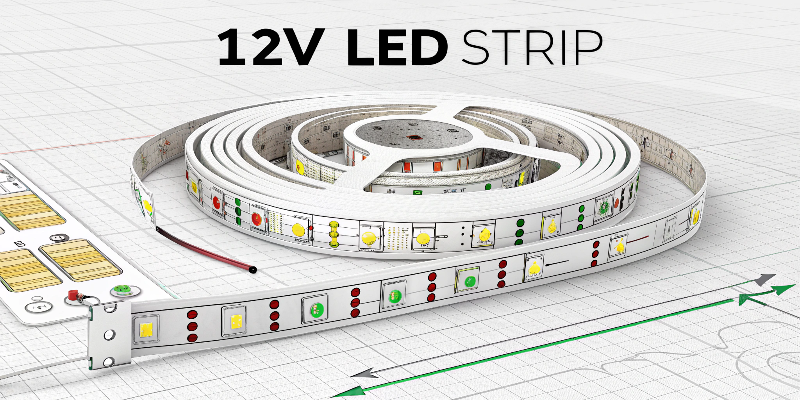
Power Injection Guidelines
I learned the hard way that guessing injection intervals doesn’t work. So, here’s a structured way to ensure correct intervals:
Voltage Guidelines4
- 12V LED Strips: Every 5 meters
- 24V LED Strips: Every 10 meters
- 48V LED Strips: Every 20 meters+
LED Density Guidelines5
- High Density: Inject every 3-4 meters
- Standard Density: Stick to recommended lengths
| LED Strip Type | Voltage | Max Length Without Injection | Recommended Injection Interval6 |
|---|---|---|---|
| Standard Density White | 12V | 5 meters | 5 meters |
| RGB LED Strip | 12V | 5 meters | 3-4 meters |
| Standard Density White | 24V | 10 meters | 10 meters |
| RGB High-Density | 24V | 10 meters | 5-7 meters |
Following these clear rules removes uncertainty. It ensures each LED project remains consistently bright and professional.
Does LED Strip Quality Affect Flickering?
Concerned about frequent flickering even though your installations seem correct? Quality might be the hidden issue causing frustration.
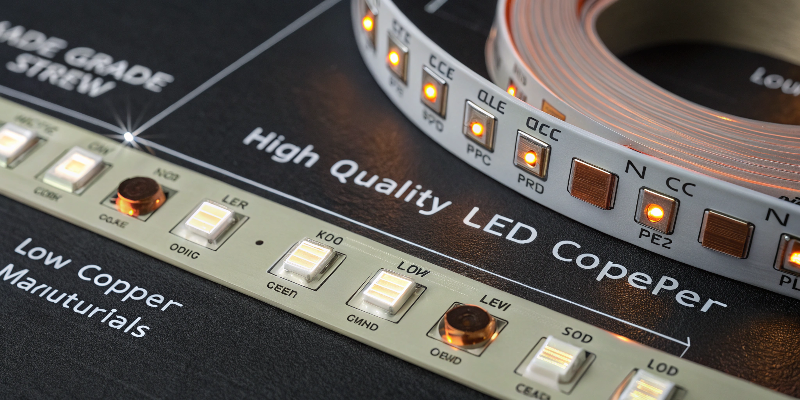
Yes, LED strip quality significantly impacts flickering. Higher-quality strips have better conductive materials, reducing voltage drop and flickering. Investing in quality strips enhances reliability and performance.
How Quality Impacts Performance
Not all LED strips are equal. Here’s how quality directly affects your installations:
Conductive Material Quality
- Better materials reduce resistance, ensuring even voltage.
LED Chip Quality
- Premium LEDs maintain consistent brightness and color accuracy.
Manufacturing Quality
- Good manufacturers provide reliable solder joints and robust PCB materials.
| Quality Factor | Low-Quality Impact | High-Quality Benefit |
|---|---|---|
| Conductive Materials | Higher resistance, voltage drop | Lower resistance, stable brightness |
| LED Chips | Uneven color, reduced lifespan | Consistent color, longer lifespan |
| Manufacturing Quality | Frequent defects, failures | Reliable performance, fewer failures |
Choosing top-quality LED strips from trusted suppliers saves money long-term. Fewer replacements and repairs ensure client satisfaction and trust in your brand.
What Is the Best Way to Waterproof LED Strip Connections?
Struggling with water damaging your LED strips, causing flickering and short circuits? Improper waterproofing methods might be your culprit.
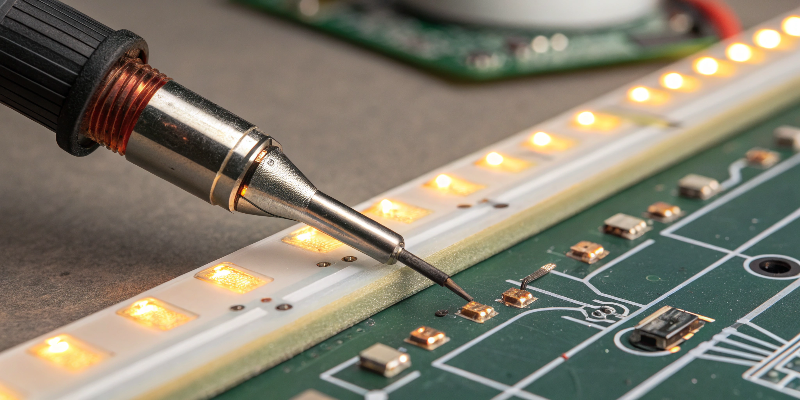
The best waterproofing method involves soldering connections, then sealing them securely using heat shrink tubing combined with hot glue, providing effective waterproof protection and reliable performance.
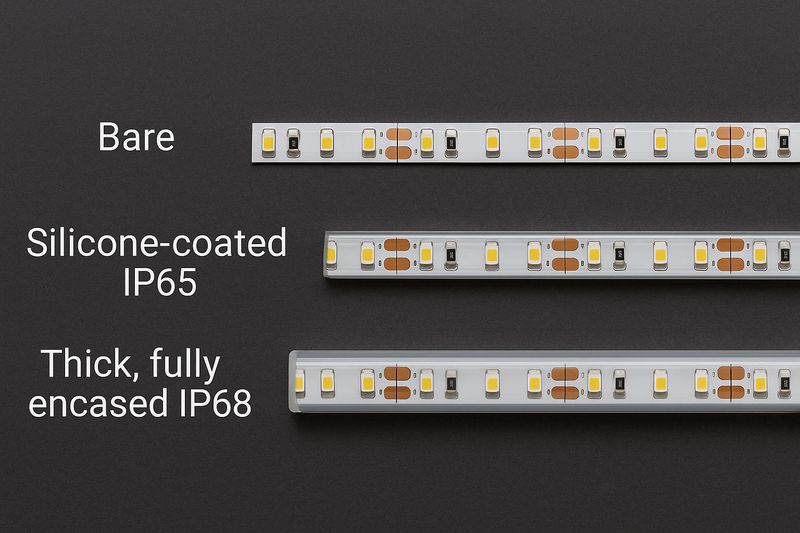
Waterproofing Techniques by IP Rating
Each waterproof rating needs specific waterproofing techniques. Here’s my detailed approach based on practical experience:
IP65 (Silicone Coating)
- Remove silicone carefully.
- Solder connections securely.
- Apply hot glue thoroughly.
- Cover with heat shrink tubing, heating gently until glue seeps out.
IP67 (Silicone Tube)
- Cut LED strip slightly shorter than tube for overlap.
- Solder connections on both sides.
- Re-insert into silicone tube and fill with hot glue.
| Waterproof Level | Waterproof Method | Key Challenges |
|---|---|---|
| IP30 | No additional protection required | Vulnerable to moisture |
| IP65 | Hot glue + heat shrink tubing | Requires careful silicone removal |
| IP67 | Silicone tube overlap filled with glue | Time-consuming and difficult |
Following correct waterproofing methods ensures stable, flicker-free operation even in challenging environments.
Does the Power Supply Influence Flickering?
Noticing persistent flickering despite proper installation? The power supply could be quietly undermining your success.
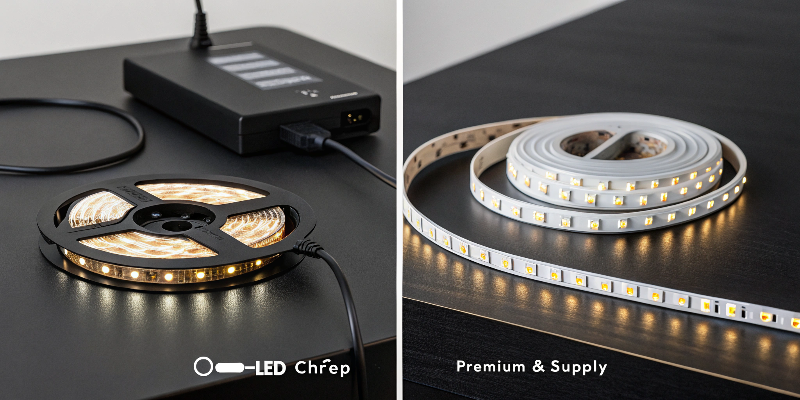
A poor-quality power supply directly causes flickering due to unstable voltage output. High-quality, properly rated power supplies ensure stable, consistent performance without flickering.
Selecting the Right Power Supply
The power supply is critical. Here’s what you should look for clearly:
Power Supply Quality Factors
- Voltage Stability7: Ensures consistent brightness.
- Power Capacity8: Should comfortably handle the strip’s wattage.
- Certification and Reliability9: Avoid low-cost, uncertified products.
| Power Supply Factor | Issues with Low-Quality | Benefits of High-Quality |
|---|---|---|
| Voltage Stability | Flickering, unstable output | Smooth, consistent brightness |
| Power Capacity | Overheating, short lifespan | Reliable performance, longevity |
| Certifications | Safety risks, poor quality | Safe, reliable operations |
Choosing correctly rated and high-quality power supplies eliminates flickering issues, providing peace of mind and consistent results.
Conclusion
Proper soldering, quality components, correct waterproofing, and adequate power injection stop LED flickering, ensuring reliable lighting solutions.
Understanding voltage drop is crucial for ensuring your LED installations perform reliably. Explore this link for detailed insights. ↩
Learn how poor connections can lead to flickering issues in LED lights and how to fix them effectively. ↩
Discover the importance of matching controllers with LED strips to avoid flickering and erratic behavior. ↩
Voltage guidelines are essential for proper installation and performance of LED strips. Discover more about these guidelines to enhance your projects. ↩
Learning about LED density guidelines helps in planning your projects effectively, ensuring optimal performance and longevity of your LED strips. Check this resource for more insights. ↩
Understanding the recommended injection intervals is crucial for maintaining brightness and performance in LED projects. Explore this link for detailed guidelines. ↩
Voltage stability is crucial for consistent performance; explore this link to learn how it affects your devices. ↩
Understanding power capacity helps ensure your power supply can handle the load, preventing overheating and extending lifespan. ↩
Certified power supplies ensure safety and reliability; discover why this matters for your equipment. ↩